
Use Library AI to create and modify components, dependencies, source libraries, UI elements, and AI profiles.
Feature Summary
Section titled “Feature Summary”Library AI helps create and modify component definitions. It can work from text, pasted images, dropped images, dependency requirements, and existing component context.
When to Use It
Section titled “When to Use It”- Create a new hardware component definition.
- Modify a component’s code blocks or UI elements.
- Plan external Arduino library dependencies.
- Generate an internal source library.
- Add AI profile metadata so Project AI understands the component.
- Review generated component behavior before committing history.
Agent Workflow
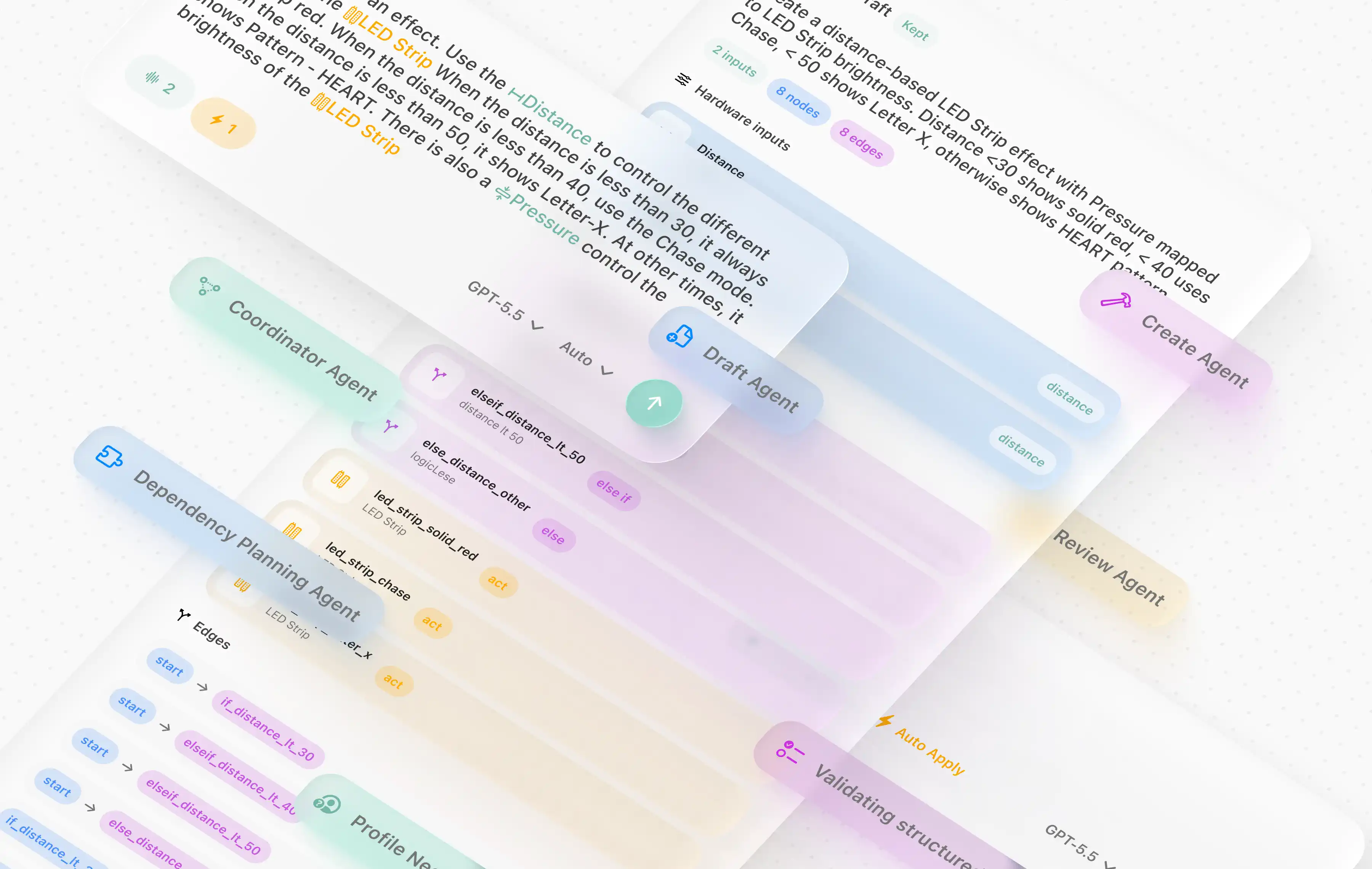
Section titled “Agent Workflow”Library AI uses a multi-step workflow. The exact visible wording may vary by build, but the source shows specialized phases for coordination, create/modify planning, dependency planning, dependency implementation, library design/code, component integration, UI element generation, review, repair, AI profile, and summary/title creation.
Create a Component
Section titled “Create a Component”- Open Library.
- Choose the target library scope.
- Open the Library AI panel.
- Describe the hardware, pins, expected behavior, dependencies, and UI controls.
- Attach images if useful.
- Review proposed fields, dependencies, code blocks, and UI elements.
- Test with Code Preview and Verify in a project.
- Commit component history.
Modify a Component
Section titled “Modify a Component”- Select the component.
- Ask Library AI for a specific change.
- Review the generated edit envelope.
- Confirm protected identity fields are unchanged.
- Verify the component in a project graph.
- Commit a new version.
Safety Rules
Section titled “Safety Rules”- AI edits protect component ID, component identifier, and component kind.
- Validators check UI element references, dependency references, and code variables.
- Locked built-ins cannot be modified.
- Generated source libraries should be reviewed like normal code.
- Library AI conversations are stored in Application Support, not inside every project.
- Images are stored as AI attachments.
- Component-private source libraries travel with component history and cloud commits.
- Commit only after local verification.
Can Library AI add a third-party Arduino library? It can plan and reference dependencies. Make sure the dependency is available and installed through Settings or Arduino CLI.
Why did AI create a private source library? It may have isolated reusable helper code so the component code blocks stay smaller.
Can Viewers use Library AI on a cloud library? Viewers can inspect but cannot push or commit shared changes.