
Generate Arduino code from the visual graph, preview it, compile it, upload it, and inspect serial output.
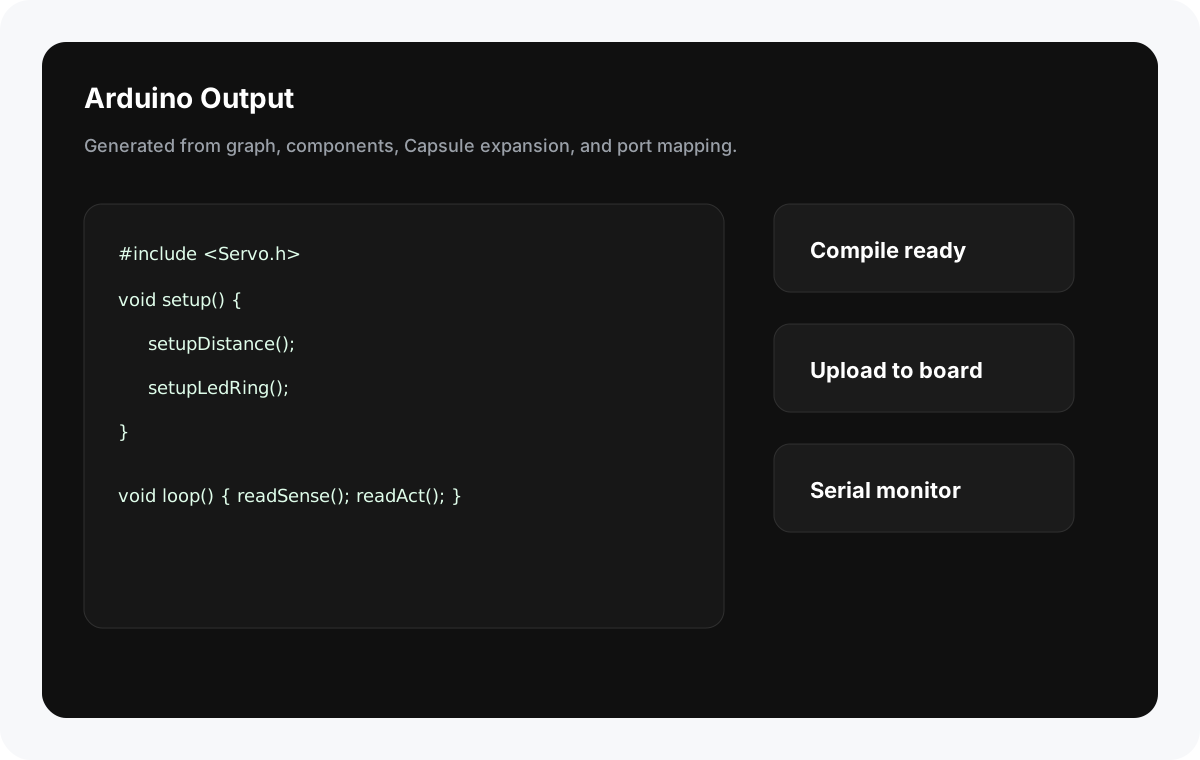
Feature Summary
Section titled “Feature Summary”Aether Workshop turns the visual graph into an Arduino sketch. You can preview the generated code, verify it with Arduino CLI, and upload it to the selected board and serial port.
When to Use It
Section titled “When to Use It”- Check whether the graph compiles before connecting hardware.
- Inspect generated Arduino code for teaching or debugging.
- Upload behavior to Aether Hub or another configured board.
- Validate dependencies and board platforms.
Generate Code
Section titled “Generate Code”- Build a graph with a
Startnode. - Configure all Sense and Act hardware.
- Resolve missing dependencies.
- Open Code Preview.
- Review includes, pin assignments, setup, loop, helper functions, and component snippets.
The generator expands Capsules before producing code. It creates setup and loop logic, starts Serial at 9600, and includes support libraries and utility functions as needed.
Verify
Section titled “Verify”Use Verify to run arduino-cli compile without uploading.
Verification is the safest first action after graph changes, library edits, Capsule edits, board changes, or dependency changes.
Upload
Section titled “Upload”- Select a serial port.
- Confirm target board.
- Click Upload.
- The app creates a temporary sketch, copies built-in libraries when needed, installs required common libraries best-effort, compiles, then uploads with Arduino CLI.
- Missing
Startnode blocks generation. - Missing hardware config blocks generation.
- Missing dependencies can block compile.
- Built-in support libraries are copied into the temporary sketch context when needed.
- Media-related generated code can print serial commands such as
MEDIA:<id>for the Mac media player.
Why does Verify pass but hardware does not respond? Check wiring, port mapping, board target, power, and whether the serial port is occupied by another app.
Why does Upload fail with a port error? Close Serial Monitor or other serial tools, reconnect the board, and select the correct /dev/cu.* port.
Can I edit generated code manually? Use Code Preview for inspection. Persistent behavior should be changed through component code blocks, Capsule internals, or the graph so future generation remains consistent.