
Create, edit, preview, version, and package Sense and Act components in Aether Workshop.
Feature Summary
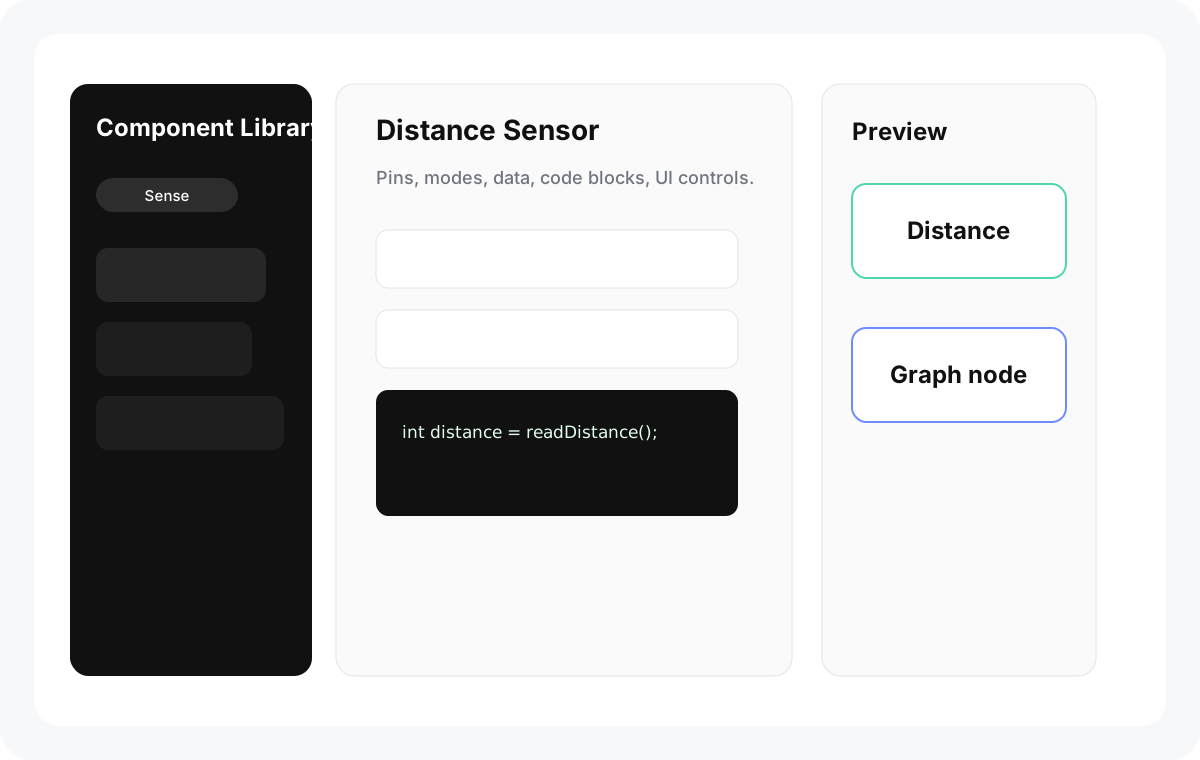
Section titled “Feature Summary”The Library tab manages component definitions. Components describe how a sensor or actuator appears on the canvas, what hardware it needs, what Arduino code it generates, which dependencies it uses, and how AI should reason about it.
When to Use It
Section titled “When to Use It”- Inspect built-in Sense and Act components.
- Create a custom component for new hardware.
- Add UI elements for Act node configuration.
- Add third-party or private source libraries.
- Version a component before sharing or pushing it to cloud.
- Use Library AI to create or modify a component from text and images.
Visible Default Components
Section titled “Visible Default Components”Sense examples include temperature, humidity, gas, sound, light, infrared input, fire, water level, magnetism, move, pressure, twist, distance, click, sloping, gesture, random, and serial input.
Act examples include LED ring, LED strip, RGB LED, laser, infrared transmitter, buzzer, motor, servo, serial output, and serial JSON output.
Face, expression, and media-player related modules exist in code as legacy or conditional support, but they are not part of the current default visible component library.
Edit a Component
Section titled “Edit a Component”- Open Library.
- Choose Sense or Act.
- Select a category and component.
- Edit Basic fields such as name, icon, color, category, notes, and identifiers.
- Update Dependence for external Arduino libraries or source libraries.
- Edit Code Blocks.
- For Act components, configure UI Elements.
- Review Preview.
- Commit a history version when the component is ready.
Locked Built-ins
Section titled “Locked Built-ins”Some utility components are intentionally read-only, including random and serial utilities. They cannot be renamed, duplicated, deleted, reordered, or modified by AI. Duplicate a component into an editable custom component when you need a variant.
Dependencies and Private Libraries
Section titled “Dependencies and Private Libraries”A component can use:
- External Arduino libraries managed by Arduino CLI.
- Shared custom source libraries.
- Component-private custom source libraries.
- Built-in support libraries bundled by the app.
Private libraries are saved with component history and cloud component commits.
Component History
Section titled “Component History”The History tab records snapshots. You can commit a new version when the component is dirty, has a message, has no unhandled remote update, and the current user has permission. Checking out an old version is read-only; create a new component from that snapshot if you want to continue editing from it.
- Component IDs should be lowercase snake case.
- Generated code snippets are final Arduino snippets, so keep variable names consistent.
- UI element template IDs must match code block references.
- AI edits preserve protected identity fields such as ID, component identifier, and component kind.
Why is the commit button disabled? The component may be clean, the message may be empty, the checked-out version may not be latest, a remote update may be pending, or you may not have Owner/Editor permission on a cloud library.
Can Library AI install a dependency for me? It can plan dependency changes and create or modify internal source libraries, but you should still review generated code and dependency usage.
Can a component have custom controls on the project node? Yes. Act components can define UI Elements whose values are injected into code templates.