
Use Aether Workshop Project AI to plan, explain, repair, and stage graph edits with confirmation.
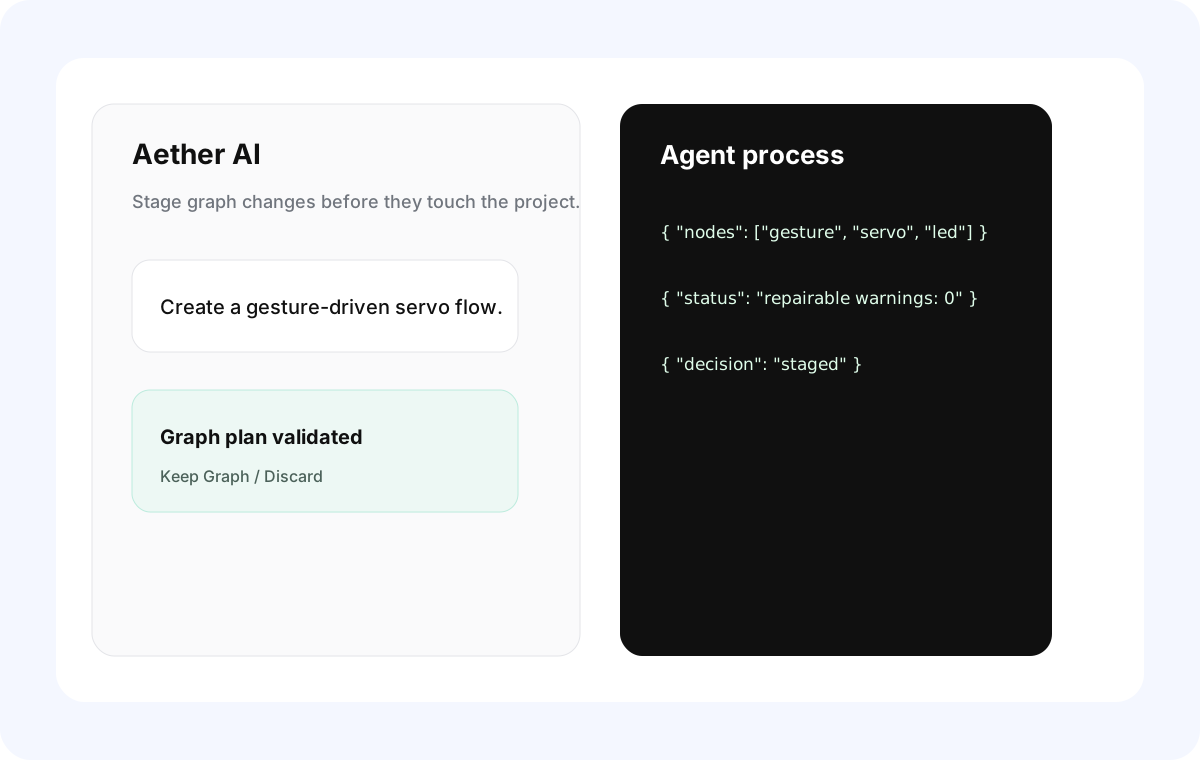
Feature Summary
Section titled “Feature Summary”Project AI works inside a saved project. It can chat about the current graph, inspect mentioned components, use images, plan graph edits, stage graph changes, and request component improvements when a capability is missing.
When to Use It
Section titled “When to Use It”- Ask how a project graph works.
- Generate a first graph from a prompt.
- Repair broken or incomplete logic.
- Mention a component with
@and ask how to use it. - Attach a reference image for a hardware idea.
- Ask whether a requested behavior is possible with the current library.
Basic Workflow
Section titled “Basic Workflow”- Open a project.
- Expand the Project AI panel.
- Choose a configured provider/model.
- Type a prompt. Use
@componentmentions when the request depends on a specific component. - Review the response.
- If a graph edit is staged, choose Keep Graph or Discard.
- Verify generated code before uploading.
Confirmed Edits
Section titled “Confirmed Edits”Project AI does not silently overwrite the graph. Structured graph edits are staged. Keep them only after checking nodes, edges, hardware configs, and generated code.
Component Suggestions
Section titled “Component Suggestions”Project AI can recommend components only when the request names or clearly requires them. If a component lacks a capability, Project AI can ask Library AI to update it when the library is editable and permissions allow.
Attachments
Section titled “Attachments”Project AI supports image attachments. Project conversations and project AI attachments are saved in the .aew package. Legacy non-project conversations may be imported from older saves but are no longer written back as the primary storage path.
- Empty prompt plus image becomes a general AI chat, not an automatic graph command.
- Locked built-in components cannot be rewritten by AI.
- AI should not be treated as proof that wiring, dependencies, or code are valid. Always verify.
- Response language follows Setting > Aether AI.
Why did Project AI refuse a graph? It may not find required component capability, may detect impossible wiring, or may need a Library AI component update.
Can Project AI change cloud libraries? It can request library edits only through permission-aware workflows. Owners and Editors can apply changes; Viewers cannot.
Does AI upload code? No. Upload remains a user action.