
Understand local and cloud history for components, Capsules, library structure, and project snapshots.
Feature Summary
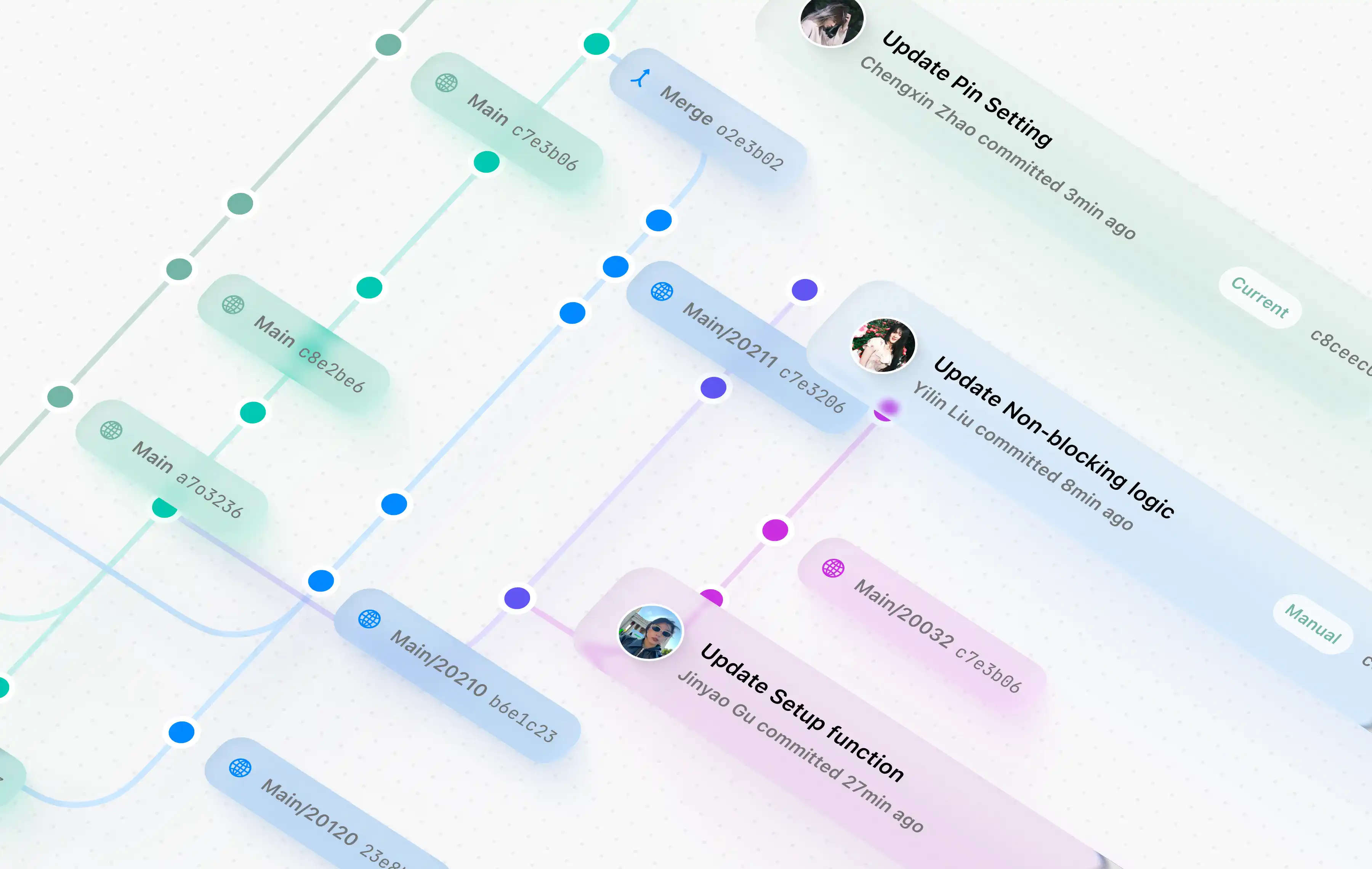
Section titled “Feature Summary”Aether Workshop has Git-like history models for library content, but each history type has a specific scope. Component and Capsule histories track reusable definitions. Project history tracks .aew snapshots. Cloud library commits track shared package structure.
Component History
Section titled “Component History”Component history stores snapshots of a component plus private source libraries. Commit sources include initial creation, manual commits, AI apply, checkout, and import.
Commit a Component
Section titled “Commit a Component”- Edit a component.
- Confirm it is the latest checkout.
- Resolve remote update warnings.
- Enter a commit message.
- Commit from the History tab.
Checking out an old commit makes it read-only. Create a new component from the snapshot if you want to branch manually.
Capsule History
Section titled “Capsule History”Capsule history stores reusable graph snapshots by library scope and Capsule ID. Commit sources include initial creation, manual commits, project promotion, and import.
Commit a Capsule
Section titled “Commit a Capsule”- Edit internal graph, interface, parameters, notes, or checklist.
- Verify project usage if interface changed.
- Enter a message.
- Commit the Capsule snapshot.
Cloud Library Structure History
Section titled “Cloud Library Structure History”Cloud library structure commits track package-level changes such as component list, Capsule list, categories, and dependency structure. Before a structure push, the app publishes required component/Capsule content commits.
Project Change Log and History
Section titled “Project Change Log and History”Project history is separate. It is created from Project change logs and saved inside the .aew project package. See Project Files and History.
- Owner/Editor roles can commit or push cloud content.
- Viewer role is read-only for shared library changes.
- Dirty drafts and unhandled remote updates can block commits.
- History protects old snapshots rather than automatically merging them.
Is there a branch UI? The component history model is graph-like, but normal user workflows focus on latest commits, old read-only checkouts, and creating a new component from an old snapshot when needed.
Why do I need both component commits and library commits? Component commits store content. Library structure commits store package organization and references.
Can Project history restore a component library? No. Project history restores project snapshots. Library history manages reusable library content.